
What Happens to Your Bot During a Prop Firm Payout or Reset?

Heads up: some links below are affiliate links. If you sign up through them we may earn a commission at no extra cost to you — it never changes what we recommend.
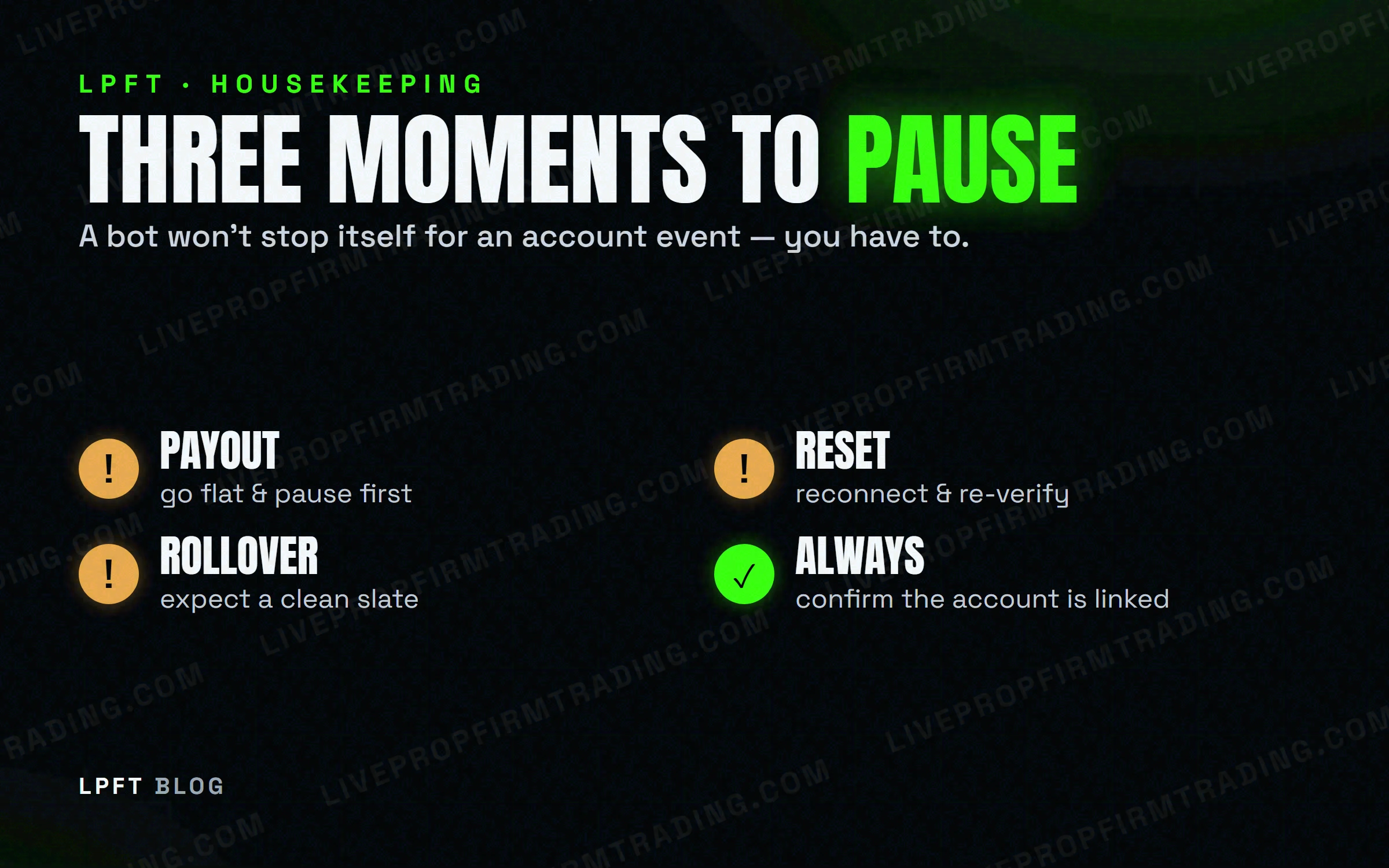
Automation doesn't pause itself for admin events — you have to. Before a payout, flatten and pause the bot so a withdrawal never collides with an open trade. After a reset, treat it like a new account: reconnect the bot and re-verify the link before it trades. And every daily session rollover, expect a clean slate — brokers clear their own intraday order history at rollover, so anything not captured live is gone. Handle these three and an automated prop account stays boring, which is the goal.
The LPFT Copilot manages the session window and reconnection details for you on your own Tradovate account. Start a 7-day free trial and see it run.
Start your 7-day free trialWhy these moments matter for a bot
A human trader instinctively stops trading around a withdrawal or an account change. A bot doesn't — it keeps following its rules until something tells it not to. Most “my automation did something weird” stories trace back to a payout, a reset, or a session rollover that nobody paused for. None of them are dangerous if you know they're coming.
Before any account change — payout, reset, plan switch — flatten the account and pause the bot. Turn it back on only after you've confirmed the connection is live again.
During a payout or withdrawal
A payout is an account event, not a trading one — but an open position during a withdrawal request is exactly the kind of collision you don't want. Keep it clean:
- Go flat first. Let open trades close normally, then stop new entries — don't request a payout mid-trade.
- Pause the bot so it doesn't open a fresh position while the payout is processing.
- Resume only after the payout is settled and the account shows it's ready to trade again.
Remember the boundary that applies to every prop post here: LPFT only supports prop-firm connections that run through Tradovate. You can point our tools at a firm's own API key at your own discretion, but a guarantee claim requires your full broker statement where applicable — and not every prop firm exposes the Tradovate API, so check yours first.
After a reset
A reset — after a breach, or a fresh evaluation — usually gives you a new account with new credentials. Your bot is still pointed at the old one. Treat a reset like day one:
- Reconnect the automation to the new account or refreshed credentials.
- Re-verify the link with a single micro contract before trusting it with size — same as a first setup (see running a bot on a prop-firm account).
- Re-check your risk settings. A new account may not carry over your daily loss limit — set it again before the bot trades.
At the daily session rollover
Futures markets roll to a new session once a day, and that rollover matters for automation in two ways. First, a good bot only trades inside its session window anyway, so it should naturally stand down around the changeover. Second — and this surprises people — brokers typically clear their own intraday order and fill history at each rollover. Anything your tools didn't capture live during the session can't be pulled back afterward.
Because the broker wipes its intraday history at rollover, a record of what actually filled has to be captured while the session is live. This is exactly why a guarantee claim relies on your own full broker statement — treat your statement as the source of truth, not a screenshot.
A simple end-to-end routine
- Normal day: let the bot run inside its session window; do nothing.
- Payout day: go flat → pause → request payout → resume after it settles.
- Reset: reconnect → re-verify with one micro → reset your daily loss limit.
- Every rollover: expect a clean slate; rely on your broker statement for the record.
None of this is hard — it's just housekeeping a bot won't do for you unless the tool is built to. A done-for-you app that manages the session window and reconnection removes most of the manual steps, but the payout and reset decisions stay yours, as they should.
Frequently asked questions
Yes. Go flat and pause the bot before requesting a payout, so a withdrawal never overlaps an open trade or a new entry. Resume only after the payout settles and the account is ready to trade again.
A reset usually creates a new account with new credentials, so your bot is still aimed at the old one. Reconnect it to the new account, re-verify with one micro contract, and reset your daily loss limit first.
Brokers typically clear their own intraday order and fill history at each daily session rollover. Anything not captured live is unrecoverable — which is why your full broker statement is the record that counts.
It shouldn't. Pause automation around any account change and only re-enable it after you've confirmed the connection to the correct account is live and your risk limits are set.
LPFT only supports prop-firm connections that run through Tradovate, and a guarantee claim requires your full broker statement where applicable. Not every firm exposes the Tradovate API, so confirm yours first.
Eli Y.
Eli builds and runs rules-based automated futures systems on TradingView and Tradovate, and helps traders take emotion out of the screen. He writes about futures automation, prop-firm evaluations, and the tools that connect them — plainly, and without hype.
Risk disclosure: Trading futures involves substantial risk of loss and is not suitable for everyone. This article is educational content only and is not financial advice or a recommendation to trade. Past performance is not indicative of future results. Some links are affiliate links.