
Can You Run a Trading Bot on a Prop Firm Account? Yes — With Rules

Heads up: some links below are affiliate links. If you sign up through them we may earn a commission at no extra cost to you — it never changes what we recommend.
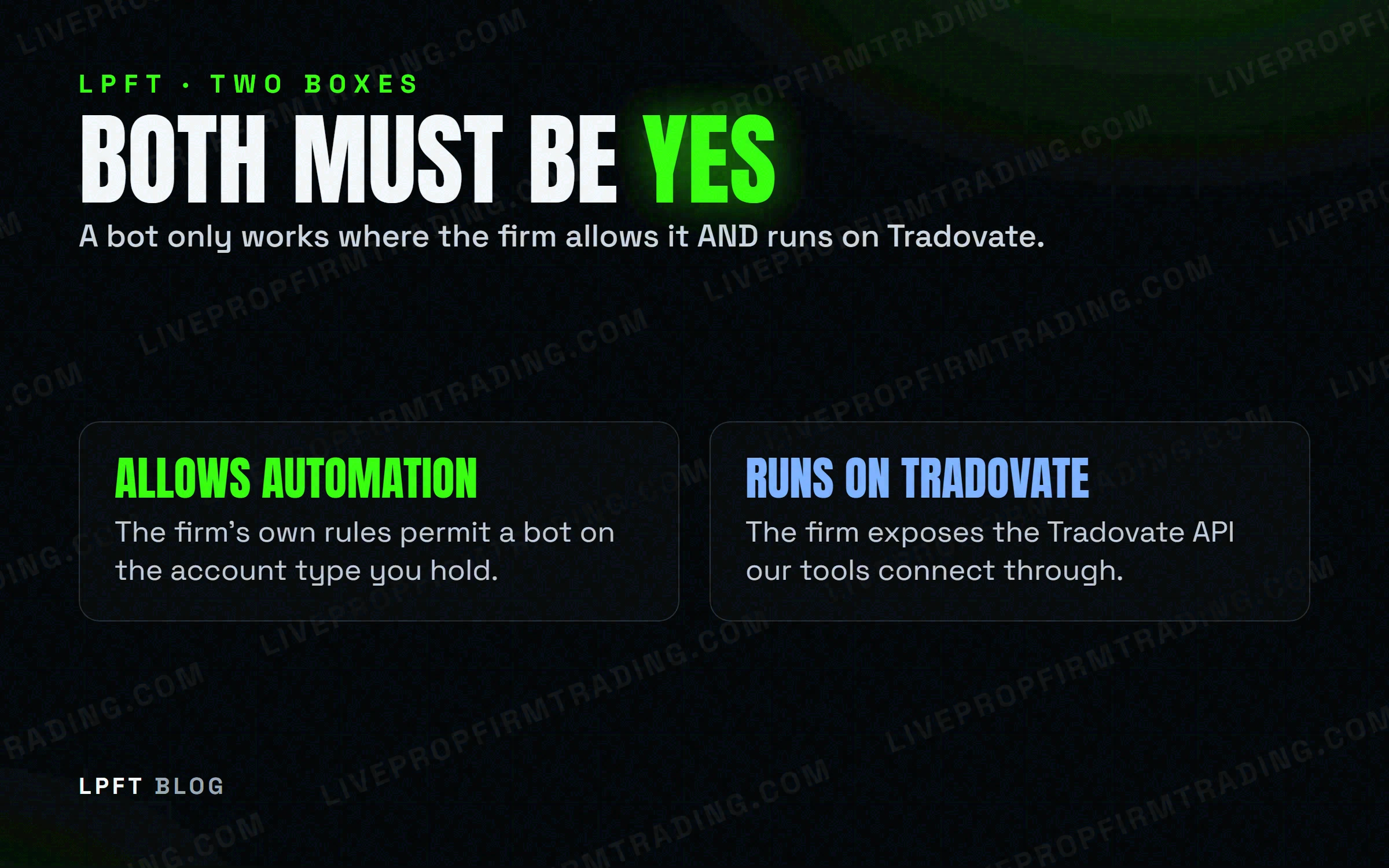
Yes — but only on the firms whose rules say so, and only in the form they allow. Some prop firms explicitly permit automated strategies (with limits); others ban bots outright and treat a violation as an account-closure-and-forfeiture event. The broker you trade on, like Tradovate, never overrides your firm's own bot policy — that's a separate question you have to ask directly.
The LPFT Copilot pairs a tested, rules-based method with alerts you can trade by hand where automation isn't allowed, or let it run automatically on Tradovate where it is. Start a 7-day free trial.
Start your 7-day free trialThe honest answer: it depends entirely on your firm
There's no single answer to “can I run a bot on a prop firm account” because there's no single prop-firm rulebook. Every firm writes its own automation policy, and they don't agree with each other. A setup that's completely fine at one firm is grounds for account closure at another — on the same broker, running the same platform.
Some firms permit automated strategies with conditions attached. Others prohibit bots, algorithms, and anything that trades without a human clicking the button, full stop. A few land in between: automation is tolerated but not supported, or allowed only through the firm's own platform and never through an outside bridge. You have to know which bucket your firm falls into before you connect anything — not after.
LPFT only supports prop-firm connections that run through Tradovate. You can point our tools at a firm's own API key at your own discretion, but not every prop firm supports the Tradovate API — and a guarantee claim requires your full broker statement where applicable. Always check your firm's current rules first.
What 'allowed' looks like when a firm permits it
“Allowed” rarely means unrestricted. Topstep permits automated strategies on a Live Funded account, but treats them as unsupported — if the automation misbehaves, that's on you. Topstep separately prohibits API automation through its own ProjectX platform and bars VPS or VPN use. We cover that split in full in Topstep automated trading: rules, limits & what to know.
Trade Day takes a different shape again: third-party bots are forbidden and it doesn't expose the Tradovate API for outside automated systems, but custom strategies run through a supported platform — NinjaTrader, Tradovate, or TradingView itself — are permitted. Same firm, two different answers depending on how the automation reaches the account.
For the full firm-by-firm breakdown, see which prop firms actually allow automated trading & bots. This post is about the pattern, not the complete list.
What 'prohibited' looks like — and what it costs you
Apex Trader Funding prohibits AI, auto-bots, algorithms, full automation, and high-frequency trading on funded accounts outright — the rule is written around “human traders,” not around any specific software. TakeProfit Trader is just as direct: automated systems and bots are prohibited, and every trade has to be manually executed.
Apex states a violation results in account closure and forfeiture — not a reminder email. If your firm's terms name a prohibition, assume it's enforced the first time, not the third.
Neither policy is about the quality of the strategy. A perfectly disciplined, rules-based system is still a bot the moment it submits an order without a human pressing the button — and on these firms, that's the line that matters.
The Tradovate trap: a supported broker isn't a bot license
Tradovate is a real futures broker with a public API built for placing orders. A firm supporting Tradovate as an execution platform tells you nothing about whether that firm's rules allow automated orders running on top of it — those are two separate questions. Apex is the clearest example: Tradovate is a supported platform there, and automation is banned there, at the same time.
Tradeify supports Tradovate as a broker too, but its specific automation policy isn't confirmed publicly — don't assume it mirrors any other firm's stance until you've checked directly. The platform being available is never confirmation that running a bot on it is allowed.
How to run automation without breaching your agreement
- Pull the current, dated rules from the firm itself — not a forum thread or an old PDF a friend sent you. Policies get revised.
- Ask the firm directly, in writing, whether your exact setup (which platform, which broker connection) is allowed before you connect anything to a funded account.
- Stay inside what they actually name as approved. A firm that permits strategies through its own platform hasn't approved a third-party bridge it never mentioned.
- Re-check after every rule update. An automation policy that was fine last quarter can change without much notice.
- Keep proof. A saved copy of the rule and the firm's written confirmation is your only defense if a dispute ever comes up.
The LPFT Copilot runs the whole stack for you on Tradovate — start a 7-day free trial and watch it work.
Start your 7-day free trialOnce you know your firm actually permits automation, the next question is how much size and drawdown room you have left to run it safely — see automated trading & prop firm drawdown rules for the part most bot traders get wrong.
Frequently asked questions
No blanket yes. It depends entirely on the firm's current rules — some ban automation outright, others allow it only in specific forms, and the same broker being available doesn't change that.
No. Tradovate being a supported execution platform is a separate question from whether the firm's own rules permit automated order placement — Apex supports Tradovate and bans automation at the same time.
It's treated as a serious violation, not a warning. Apex, for example, states the consequence is account closure and forfeiture.
Apex Trader Funding and TakeProfit Trader both prohibit automated systems outright and require manual execution on every trade.
Get your firm's current written rules, ask them directly whether your specific setup is allowed, stay inside what they name as approved, and re-check after any rule update.
Eli Y.
Eli builds and runs rules-based automated futures systems on TradingView and Tradovate, and helps traders take emotion out of the screen. He writes about futures automation, prop-firm evaluations, and the tools that connect them — plainly, and without hype.
Risk disclosure: Trading futures involves substantial risk of loss and is not suitable for everyone. This article is educational content only and is not financial advice or a recommendation to trade. Past performance is not indicative of future results. Some links are affiliate links.