
Topstep Automated Trading: Rules, Limits & What to Know

Heads up: some links below are affiliate links. If you sign up through them we may earn a commission at no extra cost to you — it never changes what we recommend.
Topstep permits automated strategies on a Live Funded account — but treats them as unsupported, and bans API automation outright. There's a real difference between those two: “permitted” means Topstep won't shut down the account for it; “unsupported” means you get no help if it breaks. Connecting an outside program to Topstep's ProjectX API to place orders, or running from a VPS or VPN, are both prohibited — no nuance there.
The LPFT Copilot pairs a tested, rules-based method with alerts you can trade by hand where automation isn't supported, or let it run automatically on Tradovate where it is. Start a 7-day free trial.
Start your 7-day free trialThe short answer: it's allowed, but only barely
Topstep's stance on automation isn't a flat yes or no — it's a yes with a footnote big enough to matter. Automated strategies are permitted on a Live Funded account. In the same breath, Topstep does not support them, and it separately bans a specific kind of automation outright: connecting to its ProjectX API.
Those are three different words doing three different jobs — permitted, unsupported, banned — and mixing them up is exactly how a trader ends up either overestimating what they can safely run, or assuming a legitimate strategy is against the rules when it isn't.
What 'permitted but unsupported' actually means
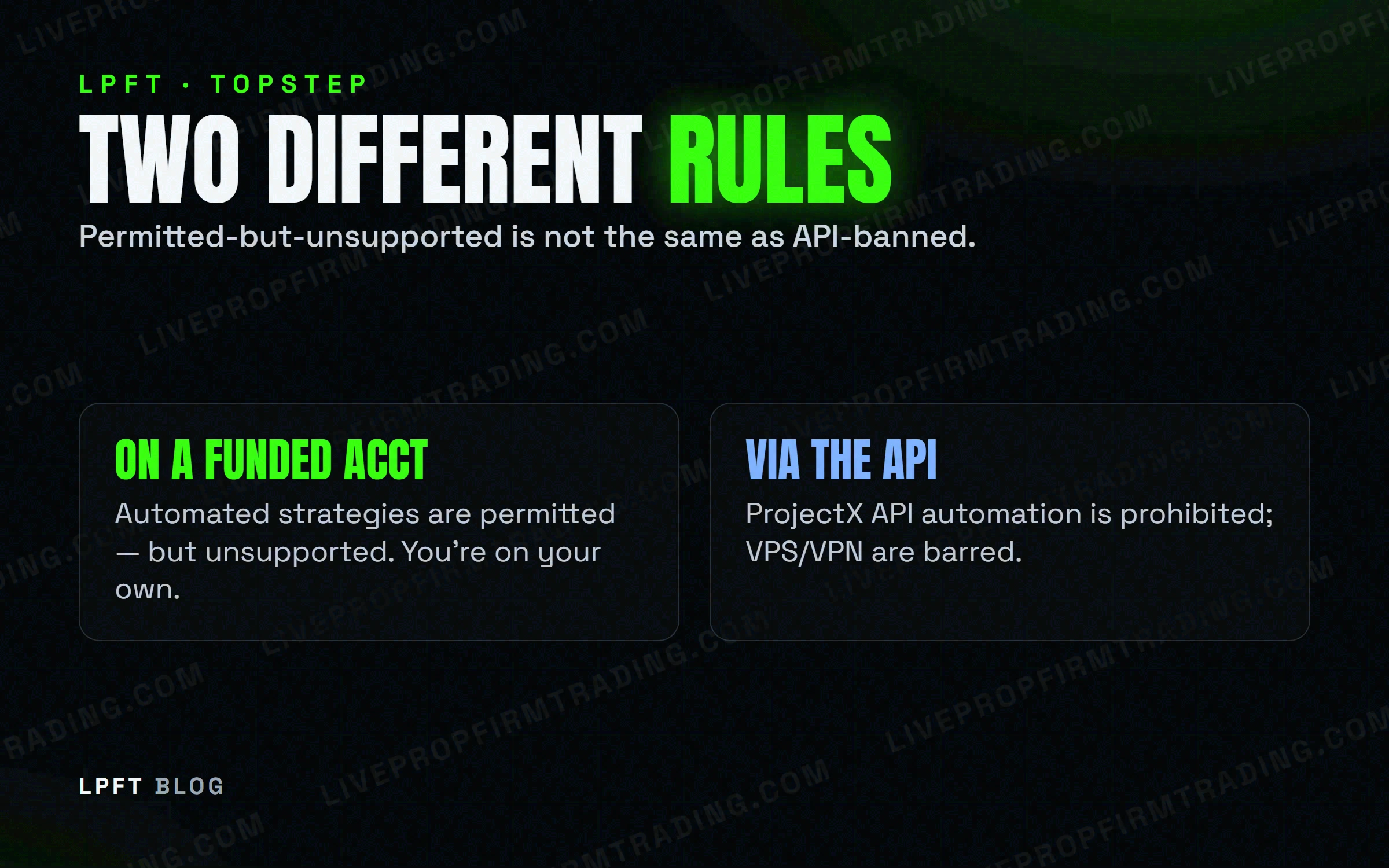
Topstep allows automated strategies to run on a Live Funded account — the firm isn't going to close your account just because your entries and exits are systematized rather than discretionary. What it won't do is help you if the automation misbehaves: a script that double-fires, disconnects mid-session, or fails to exit isn't Topstep's problem to fix. Tolerated is not the same as backed.
“Unsupported” shifts every failure mode onto you. If your automation misfires on a Live Funded account, there's no support ticket that undoes the fill. Test anything you run in demo first, and never run it unattended without a hard stop you control.
What's explicitly banned: API automation via ProjectX
Topstep runs on TopstepX/ProjectX as its trading platform. Connecting an outside program to that platform's API to place orders automatically is prohibited — this is a separate, harder line than the “permitted but unsupported” bucket above. An automated strategy running inside the tools Topstep gives you is one thing; a third-party system reaching in through the API to trade for you is another, and it's the one that's banned.
- API automation through ProjectX — not allowed, regardless of the strategy behind it.
- VPS hosting — barred.
- VPN use — barred.
Both the VPS and VPN restrictions apply on top of the API rule — even a strategy that doesn't touch the API at all still has to run from your own connection, not a hosted or masked one.
Where Tradovate fits — and where it doesn't
If you've automated on other prop-firm accounts through Tradovate, don't carry that assumption over to Topstep. Topstep's platform is TopstepX/ProjectX, and we don't have confirmed information that it supports Tradovate the way some other firms explicitly do. Verify directly with Topstep before assuming the same wiring works here — the platform is different, and so may be the rules that apply to it.
LPFT only supports prop-firm connections that run through Tradovate. You can point our tools at a firm's own API key at your own discretion, but not every prop firm supports the Tradovate API — and a guarantee claim requires your full broker statement where applicable. Always check your firm's current rules first.
So can you actually automate on Topstep? A practical read
Put together, the honest picture looks like this: an automated strategy run through TopstepX/ProjectX itself on a Live Funded account is permitted, but you're on your own if it breaks. Reaching in from outside through the ProjectX API to automate orders is banned outright, and so is running any of it from a VPS or over a VPN. Know which side of that line your setup sits on before you go live with size.
The LPFT Copilot runs the whole stack for you on Tradovate — start a 7-day free trial and watch it work.
Start your 7-day free trialFor a wider view of how firms differ on this — some ban bots entirely, some allow them with conditions like Topstep's — see which prop firms actually allow automated trading & bots. And if you're comparing against a firm with a much harder line, Apex Trader Funding's rules for automated trading bans automation on funded accounts outright — no unsupported middle ground.
Frequently asked questions
Automated strategies are permitted on a Live Funded account, but Topstep does not support them — if something goes wrong, there's no help fixing it after the fact.
No. API automation via ProjectX is explicitly prohibited, separate from the permitted-but-unsupported allowance for automated strategies run through Topstep's own platform.
No. Topstep bars both VPS hosting and VPN use, on top of the ProjectX API restriction.
That's not confirmed. Topstep runs on TopstepX/ProjectX — don't assume a Tradovate bridge works until you've verified it directly with Topstep.
Permitted means Topstep won't close your account for running an automated strategy on Live Funded. Supported means they'll help if it breaks. Automation gets the first, not the second.
Eli Y.
Eli builds and runs rules-based automated futures systems on TradingView and Tradovate, and helps traders take emotion out of the screen. He writes about futures automation, prop-firm evaluations, and the tools that connect them — plainly, and without hype.
Risk disclosure: Trading futures involves substantial risk of loss and is not suitable for everyone. This article is educational content only and is not financial advice or a recommendation to trade. Past performance is not indicative of future results. Some links are affiliate links.