
TradersPost Alternatives: 5 Ways to Connect TradingView to Your Broker

Heads up: some links below are affiliate links. If you sign up through them we may earn a commission at no extra cost to you - it never changes what we recommend.
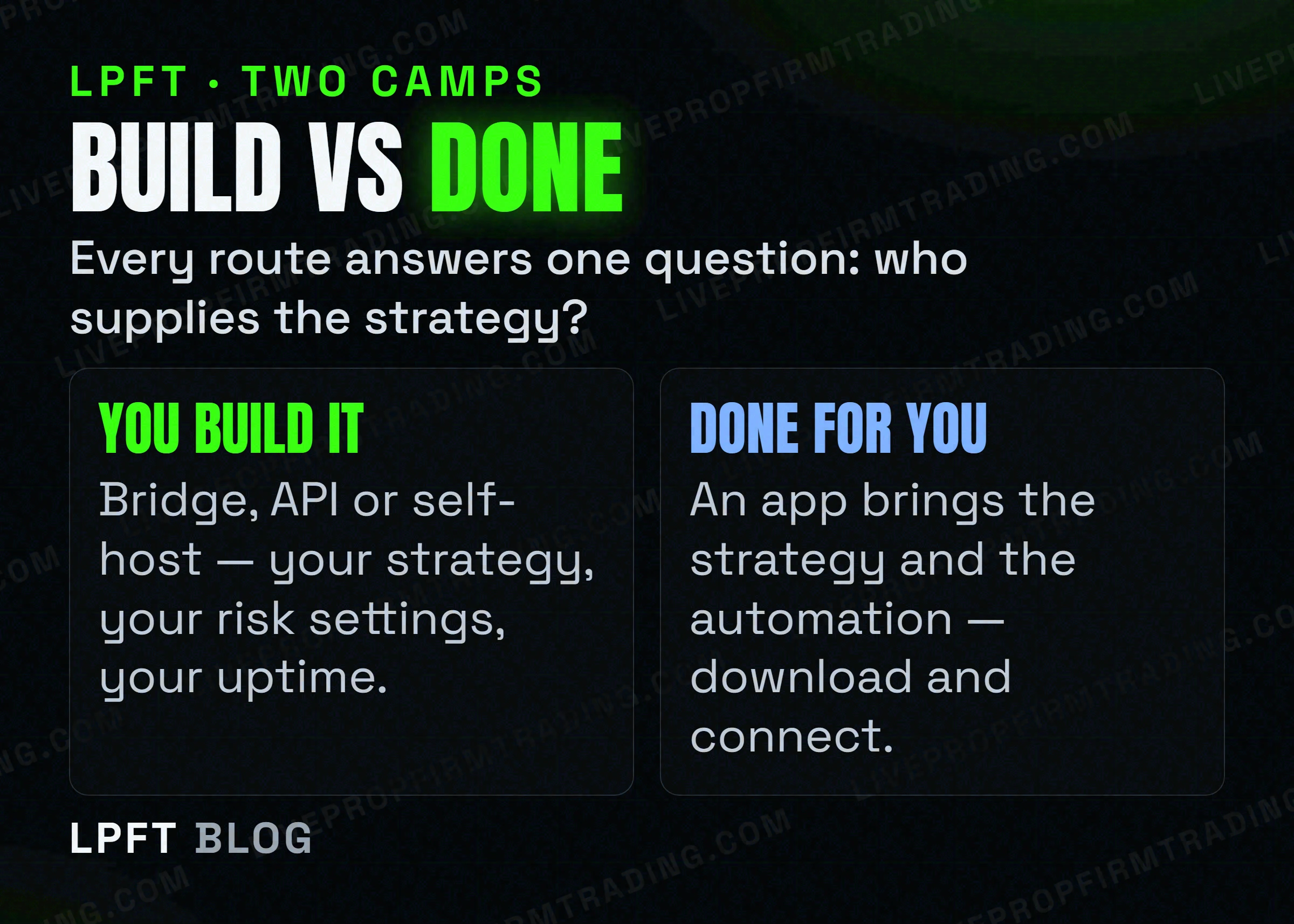
TradersPost is the most popular bridge, but not the only one. There are five realistic ways to get a TradingView signal into a futures broker: (1) a cloud webhook bridge like TradersPost, (2) another cloud bridge, (3) the broker's own API directly, (4) a self-hosted webhook receiver you run yourself, or (5) a done-for-you app that contains the strategy and connects to your broker for you. Which fits depends on how much you want to build versus just switch on.
The LPFT Copilot is the done-for-you option below - strategy plus automation in one app on your own prop firm or Tradovate account. Start a 7-day free trial and compare it against the rest.
Start your 7-day free trialFirst: what a bridge has to do
TradingView can fire an alert but can't place an order - so every option here is really answering one question: what receives the alert and submits the trade to your broker? Keep that in mind and the differences get simple. (New to this? Start with how webhooks work.)
| Route | Setup effort | Who supplies the strategy |
|---|---|---|
| Cloud bridge (TradersPost) | Low - paste a URL | You |
| Another cloud bridge | Low - moderate | You |
| Direct broker API | High - real coding | You |
| Self-hosted receiver | High - you run a server | You |
| Done-for-you app (LPFT Copilot) | Lowest - download & connect | Built in |
1. TradersPost - the default cloud bridge
TradersPost is a cloud service that receives your TradingView webhook and routes the order to your broker; Tradovate is explicitly supported. You paste its webhook URL into an alert, connect your account once, and your signals trade themselves. It has a free trial and paid tiers. It's the default for a reason - low setup, no server to run - and the honest trade-off is a monthly cost and that you still supply the strategy and own the risk settings.
TradersPost bridges TradingView to Tradovate with a URL you paste. There's a free trial.
Try TradersPost →2. Another cloud webhook bridge
TradersPost isn't the only webhook-to-broker service - others exist and work on the same idea: give TradingView a URL, connect a broker, map the message to an order. If you're comparing, judge them on the things that actually bite: does it support your broker (Tradovate, or your prop firm's platform), how it handles partial fills and position sizing, and whether the pricing fits your account count. Check each provider's own current docs - features and prices change.
3. The broker's API directly
Tradovate has a public developer API, so a capable coder can skip the middleman entirely and send orders straight to the broker from their own script. This is the most flexible route and has no third-party subscription - but it's a real software project: you handle authentication, error handling, reconnects, and uptime yourself. Great if you're a developer; overkill if you're not.
4. A self-hosted webhook receiver
In between the cloud bridge and full API work: you run a small webhook receiver on your own server that catches the TradingView POST and forwards it to the broker. You get full control and privacy and no per-month bridge fee, at the cost of running and maintaining a server that must be online whenever the market is. Miss an uptime detail and the trade silently doesn't happen.
5. A done-for-you app (the LPFT Copilot)
The other four routes all assume you already have a strategy and just need the plumbing. The fifth flips that: a done-for-you app that already contains tested, rules-based strategies and connects to your Tradovate account for you. You install NinjaTrader and the app, add the LPFT bot and connect the broker. No server, no Pine, and you paste your bot link once. The trade-off is the opposite of the API route: least control over the signal, least work to run it.
So which should you pick?
- You have a strategy and want low setup → a cloud bridge like TradersPost.
- You're a developer who wants full control → the broker API or a self-hosted receiver.
- You want results without building or babysitting anything → a done-for-you app.
None of these removes risk - futures carry a substantial risk of loss, and a bridge will faithfully execute a bad signal. Whatever route you choose, demo it first, start with one micro contract, and set a daily loss limit in your broker.
Frequently asked questions
No. You can use another cloud webhook bridge, the broker's API directly, a self-hosted webhook receiver, or a done-for-you app that contains the strategy and connects for you. TradersPost is just the most common.
Coding against the broker API or self-hosting a receiver avoids a monthly bridge fee, but both cost real time to build and maintain. A cloud bridge trades a subscription for near-zero setup.
TradersPost explicitly supports Tradovate, and Tradovate's public API means direct and self-hosted routes can too. For any other bridge, confirm Tradovate support in that provider's own current documentation.
A cloud bridge (paste a URL) and a done-for-you app (download and connect) are both no-code. The broker API and self-hosted routes require programming.
A done-for-you app like the LPFT Copilot, because it supplies the strategy and the automation together - you don't build alerts, webhooks, or a server.
Eli Y.
Eli builds and runs rules-based automated futures systems on NinjaTrader and Tradovate, and helps traders take emotion out of the screen. He writes about futures automation, prop-firm evaluations, and the tools that connect them - plainly, and without hype.
Risk disclosure: Trading futures involves substantial risk of loss and is not suitable for everyone. This article is educational content only and is not financial advice or a recommendation to trade. Past performance is not indicative of future results. Some links are affiliate links.