

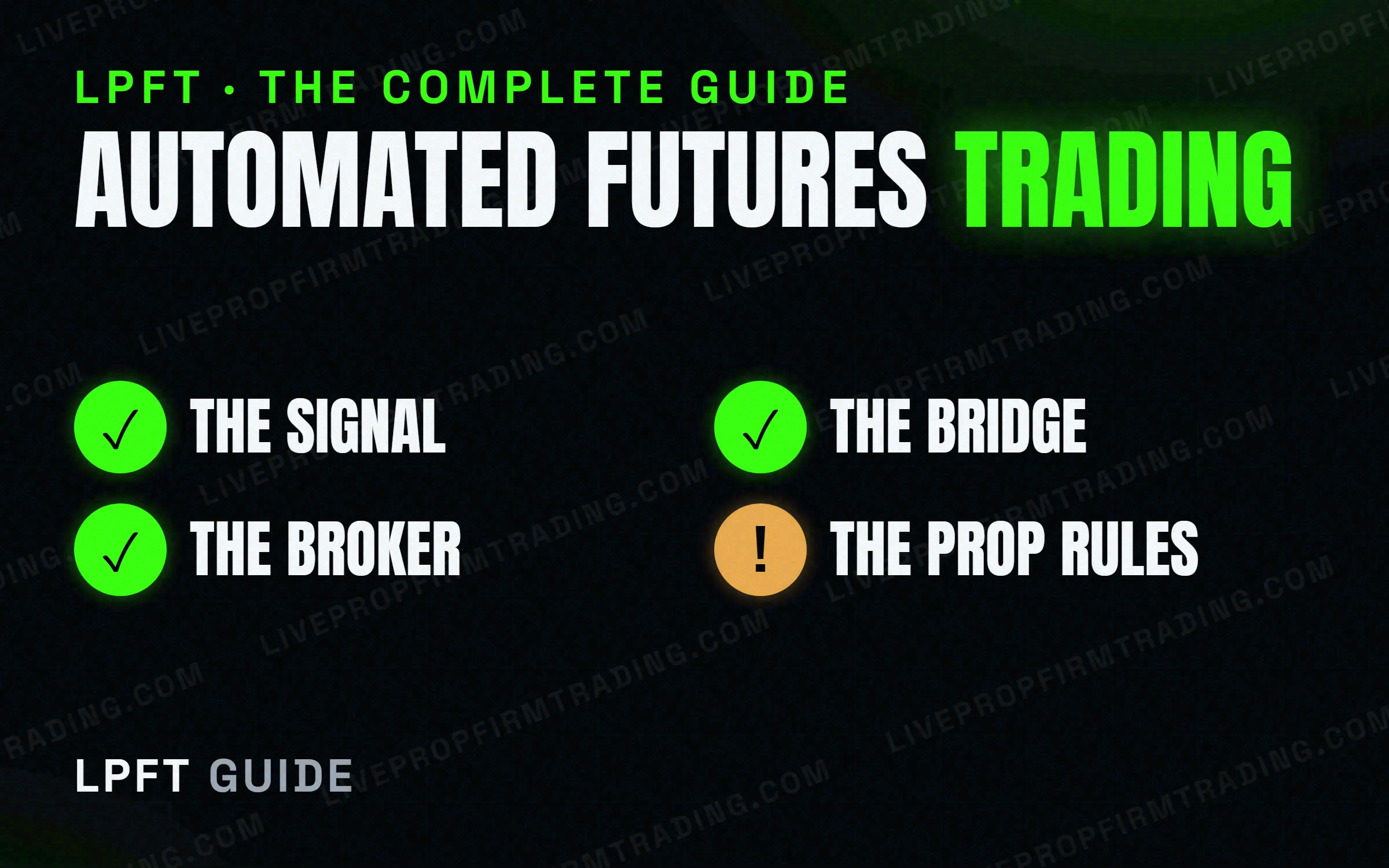
“Automated futures trading” means a rules-based system places your trades for you - a strategy generates the signal, a bridge turns that signal into an order, and a broker like Tradovate fills it. The catch: TradingView can't place the order itself, and not every prop firm allows a bot. This guide maps both halves - the wiring, and the rules - and links to a deep post on each.
The two halves of getting it right
Most people get stuck on one of two things: the plumbing (how a chart signal becomes a real order) or the rules (what a prop firm will and won't allow a bot to do). Get both right and automation stops being risky guesswork. The guides below cover each in plain English - we publish a new one every few days, and each lights up here the day it goes live.
Connect & automate
AutomationCan TradingView Auto-Trade on Tradovate? Yes - Here Are the 2 WaysAutomationHow to Turn TradingView Alerts Into Real Automated TradesAutomationCan You Automate Trading on TradingView? What's Actually PossibleAutomationTradingView Webhooks Explained: From Alert to Live OrderAutomationHow to Auto-Execute a TradingView Strategy on a Futures BrokerCompareTradersPost Alternatives: 5 Ways to Connect TradingView to Your BrokerAutomationHow to Trade Futures Automatically From a TradingView ChartProp firms & the rules
Prop FirmsWhich Prop Firms Actually Allow Automated Trading & Bots?Prop FirmsCan You Run a Trading Bot on a Prop Firm Account? Yes - With RulesProp FirmsApex Trader Funding Rules for Automated Trading (What's Allowed)Prop FirmsTopstep Automated Trading: Rules, Limits & What to KnowProp FirmsProp Firm Consistency Rules Explained - and How Automation HelpsProp FirmsHow to Pass a Futures Prop Firm Evaluation Without OvertradingProp FirmsCan You Use EAs or Bots to Pass a Prop Firm Challenge?Prop FirmsAutomated Trading & Prop Firm Drawdown Rules: How Not to Blow the AccountProp FirmsWhat Happens to Your Bot During a Prop Firm Payout or Reset?The LPFT Copilot runs a tested, rules-based method on your own Tradovate account - signal and automation in one app. Start a 7-day free trial and watch it trade.
Start your 7-day free trialRisk disclosure: Trading futures involves substantial risk of loss and is not suitable for everyone. This guide is educational content only and is not financial advice or a recommendation to trade. Past performance is not indicative of future results. Some links are affiliate links.