
TradingView Webhooks Explained: From Alert to Live Order

Heads up: some links below are affiliate links. If you sign up through them we may earn a commission at no extra cost to you - it never changes what we recommend.
A webhook is a delivery address. When your TradingView alert fires, TradingView sends its message as an HTTP POST to whatever URL you put in the alert's Webhook URL box. Point that URL at a broker bridge and the message lands somewhere that can act on it - turning a plain alert into a live order. It's the single piece that connects “a signal happened” to “a trade was placed.”
Don't want to hand-build webhooks and payloads? The LPFT Copilot runs a tested method on your own Tradovate account with the plumbing already done. Start a 7-day free trial.
Start your 7-day free trialWhat a webhook actually is (in plain English)
Strip away the jargon and a webhook is just an automatic message sent to a web address. Instead of a person clicking “send,” an event does it. In trading, the event is your alert firing; the message is a small blob of text; the address is a URL you control.
TradingView calls this a webhook alert. When you create an alert, there's a checkbox for Webhook URL. Tick it, paste an address, and every time that alert triggers, TradingView quietly POSTs the alert's message to that address - no notification to dismiss, no app to open. Something on the other end reads it and acts.
An email or phone alert reaches you. A webhook reaches a machine. That's the whole difference between being notified and being automated.
What's inside the message
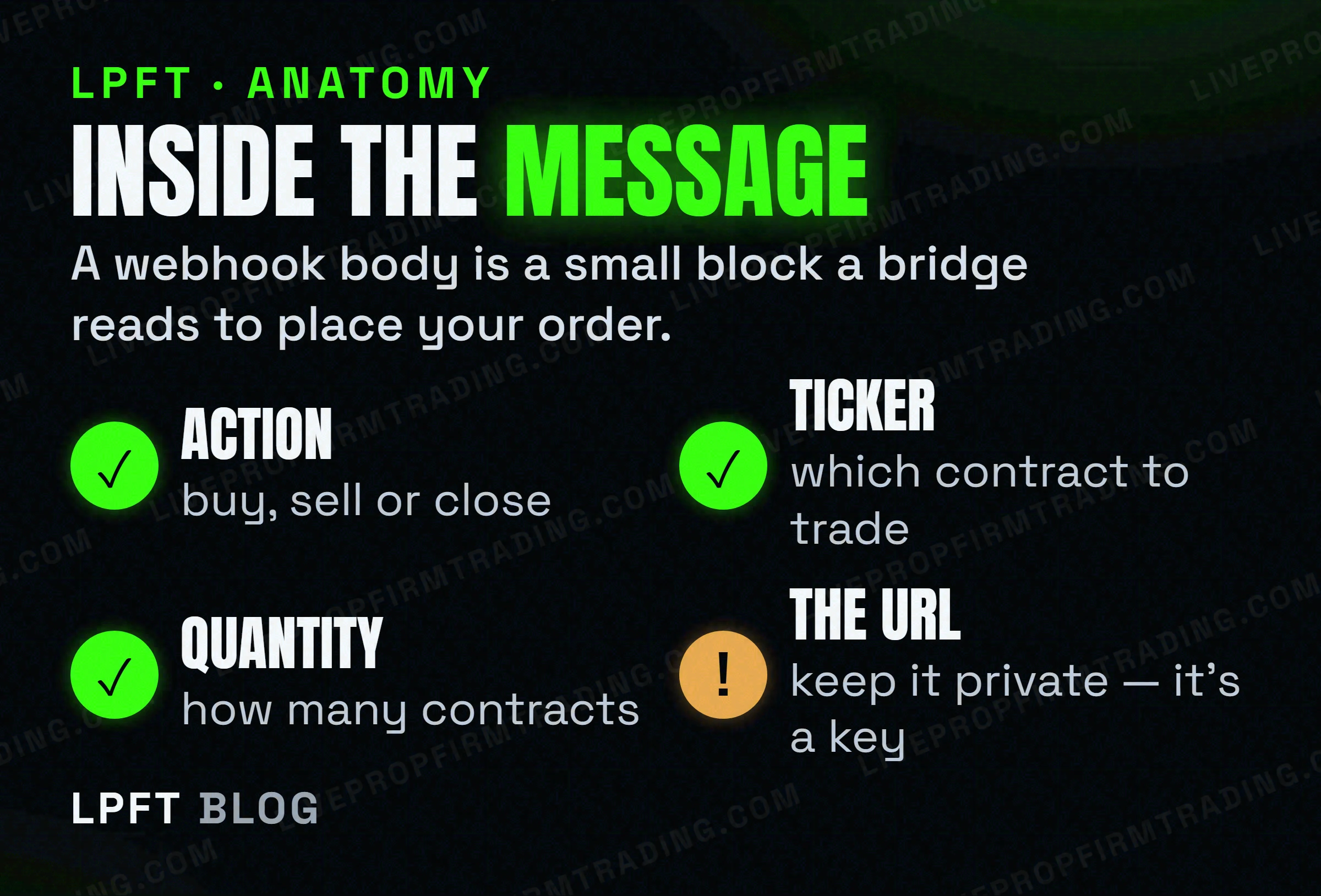
The webhook body is the alert's message field - and for automation it's usually a small block of JSON the receiving bridge understands. In generic terms it carries three things:
- An action - buy, sell, or close.
- A ticker/symbol - which contract to trade.
- A quantity - how many contracts.
You don't write this from scratch. Every bridge gives you a template to paste into the message box; you change the values, not the structure. (For the exact click-path, see turning TradingView alerts into automated trades.) One rule worth burning in: the order routes exactly as written, so a wrong symbol or size trades the wrong thing - start with one micro contract.
The setup rules TradingView enforces
Webhooks come with a few hard requirements. Miss one and the alert simply won't send:
- A paid plan. Webhook alerts are only on the paid tiers (Essential and up), not free Basic.
- Two-factor authentication on. TradingView won't fire webhook alerts from an account without 2FA.
- A reachable URL on the standard web ports. Webhook requests go out over the normal web ports (80/443) - a public bridge like TradersPost handles this for you, so you never touch server settings.
TradersPost gives you a ready-made webhook endpoint and routes the order to Tradovate. Free trial.
Get a webhook URL →Why a webhook silently does nothing
When automation “works but nothing trades,” it's almost always one of these - and none of them throw an obvious error:
- The webhook box wasn't checked. The alert has a message but no URL, so it only notifies you.
- The alert expired. Open-ended alerts keep firing; a dated one quietly stops. Re-create it.
- The message doesn't match the bridge's format. A stray comma or wrong field name and the bridge rejects it. Start from the template and change only values.
- The broker link dropped. If the bridge lost its connection to Tradovate, it receives the message but can't place the order. Re-authorize the connection.
Before you trust a webhook with real size, fire it once with a single micro contract and confirm the fill appears in Tradovate. Automation follows the message literally - verify it's saying what you think it is. Set a daily loss limit in your broker before going live.
Frequently asked questions
It's an automatic message TradingView POSTs to a web address when your alert fires. Point that URL at a broker bridge and the alert becomes a live order instead of just a notification.
Yes. Webhook alerts are only available on TradingView's paid tiers (Essential and up), and your account must have two-factor authentication enabled.
Usually a small block of JSON with an action (buy/sell/close), a ticker, and a quantity. Your bridge gives you a template - you change the values, not the structure. Never include anything you wouldn't want sent.
The most common causes are an unchecked webhook box, an expired alert, a message that doesn't match the bridge's format, or a dropped broker connection. None of these show a loud error - check each in order.
The URL is effectively a key - anyone with it can send your bridge a message, so keep it private. Reputable bridges use unique, revocable URLs. Never post yours publicly or in a screenshot.
Eli Y.
Eli builds and runs rules-based automated futures systems on NinjaTrader and Tradovate, and helps traders take emotion out of the screen. He writes about futures automation, prop-firm evaluations, and the tools that connect them - plainly, and without hype.
Risk disclosure: Trading futures involves substantial risk of loss and is not suitable for everyone. This article is educational content only and is not financial advice or a recommendation to trade. Past performance is not indicative of future results. Some links are affiliate links.