
TradingView Indicator to Strategy: How the Conversion Actually Works

Heads up: some links below are affiliate links. If you sign up through them we may earn a commission at no extra cost to you - it never changes what we recommend.
Replace the indicator() declaration with strategy(), then add strategy.entry() and strategy.exit() calls driven by the conditions the indicator already computes. Two things break in silence: a protected script has no readable source to convert, and copied alert conditions never produce an alert inside a strategy.
The LPFT Copilot runs a tested, rules-based method on your own Tradovate account with no script for you to convert, wire or maintain. Start a 7-day free trial.
Start your 7-day free trialFirst question: can you even read the indicator?
Every guide on this subject opens with the code. That skips the step that stops most people, because most people asking this question are pointing at somebody else's indicator rather than their own.
TradingView publishes scripts in three visibility modes, and it describes them precisely. An open script lets every user see the source code. A protected script can be added to a chart by anyone, but only the author can see the source code. An invite-only script cannot even be added to a chart without the author's permission, and again only the author sees the source.
So if the indicator you want to automate is protected or invite-only, there is no conversion to perform. There is no source. You are not missing a trick and there is no plugin for it. The only legitimate routes are to ask the author whether a strategy version exists, or to write your own script that implements a rule you can state yourself.
Write down the entry and exit rule in one sentence each, in plain English, without referring to the indicator. If you cannot, you do not have a rule yet, you have a picture you like. If you can, that sentence is the specification for a script you are allowed to write.
The conversion itself really is two edits
Assuming you can read the source, TradingView's own FAQ reduces the job to two steps: replace the indicator() declaration with the strategy() declaration, and add order placement commands driven by the logical conditions the indicator already computed.
- Change the declaration. indicator("My Thing") becomes strategy("My Thing"). That one line is what unlocks the strategy namespace and the Strategy Tester tab. The rest of the script compiles unchanged.
- Find the condition that was only being drawn. In most indicators there is a boolean somewhere that was feeding a plot, a bar colour or a shape. That variable is the thing you actually want, and it usually already exists.
- Attach orders to it. strategy.entry() opens or reverses a position, strategy.exit() creates exits and can produce a take-profit and a stop-loss from a single call, and strategy.close() closes with a market order on the next tick.
- Delete what no longer works. Anything that existed only to raise an alert in the indicator has to go, for the reason in the next section.
That is the whole mechanical task, and it is genuinely small. Everything difficult about this job happens after it compiles.
The alert conditions you copied are dead on arrival
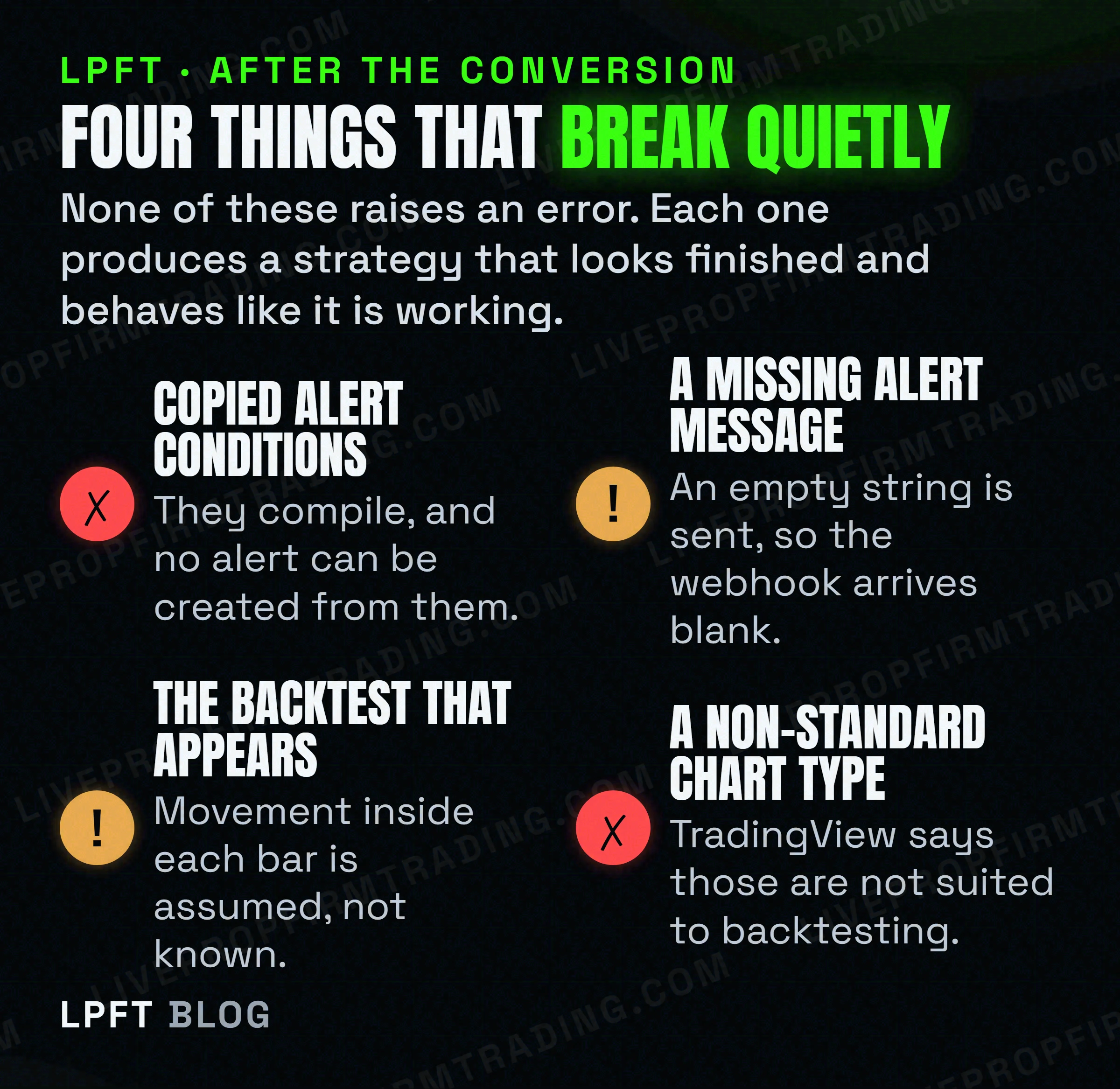
This is the single most useful fact on this page, and it is TradingView's own wording. While the presence of alertcondition() calls in a strategy script will not cause a compilation error, alerts cannot be created from them.
Read that twice. The script compiles. The code is still there. The alert simply cannot exist. If your indicator was driving an automation through an alert condition and you convert it to a strategy, the automation stops and the editor tells you nothing.
There are three ways a script can raise something you can act on, and they are not interchangeable.
| Route | Available in | What the message can carry |
|---|---|---|
| alertcondition() | Indicators only | A const string, which TradingView says must be known at compilation time and cannot vary bar to bar. So no live price, no position size. It also must start at column zero, so it cannot sit inside a conditional block, and each call spends one of your sixty-four plot counts. |
| alert() | Indicators and strategies | A message built while the script runs, so it can vary bar to bar. TradingView describes it as the most recent addition to Pine, and says it more or less supersedes alertcondition(). |
| Order fill events | Strategies only | The alert_message you set on each order-generating call. The user chooses at alert-creation time whether order fill events trigger the alert. |
The practical consequence for anyone converting a script: drop the alert conditions, and choose deliberately between an alert() call you write and an alert on order fills. They are different mechanisms with different failure modes.
Wiring it to a broker without sending an empty message
A strategy can notify an outside service when one of its simulated orders fills. That is the mechanism most people are actually after, and it has a trap sitting right in the middle of it.
TradingView lets you attach a custom message to each order through the alert_message parameter on strategy.close(), strategy.entry(), strategy.exit() and strategy.order(). For that message to appear anywhere, the person creating the alert must put the strategy order alert message placeholder into the Message field of the Create Alert dialog. That step is in the dialog, not in your code, so it is easy to miss.
TradingView states that when the placeholder is used in the Message field and the alert_message parameter is present on only some of the order-generating calls, an empty string replaces the placeholder. Your webhook fires on time, arrives at the right URL, and carries nothing. Set alert_message on every order call, or none.
Then there is delivery itself. TradingView admits that webhooks may occasionally fail to reach the specified URL, publishes a three-second processing timeout, accepts only ports 80 and 443, and requires two-factor authentication before webhook alerts are allowed at all. The alert log has a webhook status column, and it is the first place to look when a trade did not happen. The full mechanics are in TradingView webhooks explained and how to auto-execute a TradingView strategy on a futures broker.
TradersPost receives the alert server-side and routes it to a broker such as Tradovate, which is the half of this job that Pine cannot do. It is cloud hosted, so there is no machine of yours that has to stay awake.
Look at TradersPost →The backtest that appears is not evidence yet
The moment the declaration changes, a Strategy Tester tab appears with an equity curve and a profit figure. It is very easy to read that as a verdict. It is not one, and TradingView is unusually honest about why.
- Intrabar movement is assumed. If a bar opens closer to its high than its low, the emulator assumes the market moved open, high, low, close. It also assumes no gaps exist within bars and treats any price in the bar range as fillable.
- There is a documented lookahead. During the extra execution after an order fills, the script can see confirmed OHLC values for that bar, values that would not exist in the real world until the bar closed.
- Non-standard charts do not count. TradingView lists Heikin Ashi, Renko, Line Break, Kagi, Point and Figure and Range charts as not suited for strategy backtesting or automated trading system execution, because the prices and time intervals do not match market prices and times.
- Orders are capped. A script can place a maximum of 9,000 orders when backtesting, so a busy strategy on a long history is silently truncated.
None of that makes a backtest useless. It makes it a first sketch. How to read one without fooling yourself is in how to backtest before you automate, and the gap between a simulated fill and a real one is in paper trading versus live bot testing.
The five-minute checklist
- Confirm the source is readable. Protected and invite-only means no source, which means no conversion. Stop here if so.
- Change indicator() to strategy(). One line.
- Point orders at the boolean that already existed. Do not invent new logic during a conversion. Convert first, change second, and never both at once.
- Delete every alert condition you copied. They compile and they do nothing.
- Set alert_message on every order call, or on none. A partial set produces empty webhook bodies.
- Check the chart type. A non-standard chart invalidates the whole test.
- Compare the strategy signals against the original indicator on the same chart. If the arrows do not land where the plot said they would, the conversion is wrong, not the idea.
If you are starting further back than this, Pine Script for beginners covers the language itself, and strategy versus study explains why so much of the material you will find on this topic is out of date.
Trading futures carries a significant risk of loss. A converted strategy that shows a clean equity curve has demonstrated that it fits the past, which is not the same thing as working, and it should be run in simulation before any real money is involved.
Frequently asked questions
Replace the indicator() declaration with the strategy() declaration, then add order placement commands such as strategy.entry() and strategy.exit(), triggered by the logical conditions the indicator already computes. Those two steps are the conversion TradingView describes in its own strategies FAQ. Everything else is cleanup.
No. TradingView states that for a protected script only the author can see the source code, and for an invite-only script nobody can even add it to a chart without permission and only the author sees the source. With no readable source there is nothing to convert, so the only options are asking the author or writing your own version of a rule you can state.
Because alertcondition() only works in indicators. TradingView states that while the presence of alertcondition() calls in a strategy script will not cause a compilation error, alerts cannot be created from them. The script still compiles, so nothing warns you. Use alert() calls or alerts on order fill events instead.
Most often because the alert_message parameter was set on only some of the order-generating calls. TradingView states that in that situation an empty string replaces the strategy order alert message placeholder. The other common cause is that the placeholder was never added to the Message field of the Create Alert dialog at all.
No. Converting changes how the script is declared and lets TradingView simulate orders from it. It does not change the underlying idea. The backtest that appears is built on assumed intrabar movement and a documented lookahead on filled orders, so treat it as a first sketch rather than proof of anything.
You can run it, but TradingView says the result does not mean what you want it to mean. Its documentation states that non-standard chart types including Heikin Ashi, Renko, Line Break, Kagi, Point and Figure and Range are not suited for strategy backtesting or automated trading system execution, because the prices and time intervals do not match market prices and times.
Eli Y.
Eli builds and runs rules-based automated futures systems on TradingView and Tradovate, and helps traders take emotion out of the screen. He writes about futures automation, prop-firm evaluations, and the tools that connect them - plainly, and without hype.
Risk disclosure: Trading futures involves substantial risk of loss and is not suitable for everyone. This article is educational content only and is not financial advice or a recommendation to trade. Past performance is not indicative of future results. Some links are affiliate links.